MCP Grew a UI Layer: The First Official Extension Renders Apps in Your Chat

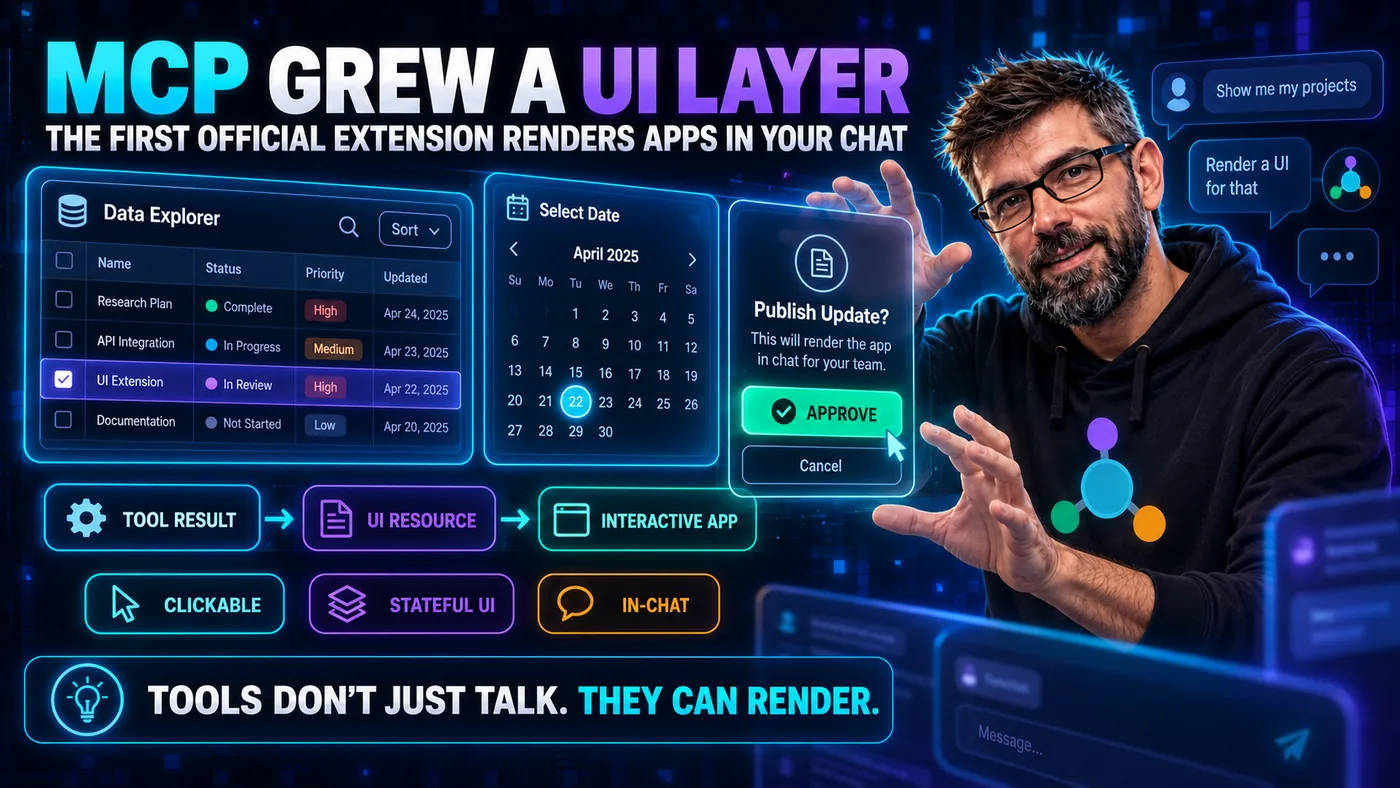
For its entire life, MCP has spoken in content you cannot touch. A tool can hand back text, JSON, images, even audio, but it is all content to be displayed, and the model narrates the result back to you in words. That was a deliberate, sensible constraint, and it was always going to hit a ceiling. Some answers are a paragraph. Others are a chart, a date picker, a seat map, a diff you want to click.
As of early 2026, MCP has an answer: MCP Apps, the protocol's first official extension, which lets a tool ship interactive UI that renders right inside the conversation.
| MCP Apps | Where it stands |
|---|---|
| Proposal | SEP-1865, a Specification Enhancement Proposal |
| Stable revision | 2026-01-26, developed with the MCP-UI community and maintainers from OpenAI and Anthropic |
| Versioning | on the extension's own schedule, separately from the core specification |
| Official SDK | TypeScript/JavaScript: @modelcontextprotocol/ext-apps, in the ext-apps repo |
That last row matters if, like us, you live in the Java world.
The display-only ceiling
You have felt this. You ask an agent for "revenue by region this quarter" and get back a tidy ASCII-ish table that you immediately want to sort, filter, or export. The model has the data; the channel just can't render anything you can interact with. Every rich interaction had to bounce out to a separate app.
MCP Apps closes that gap without abandoning the protocol's safety model.
What MCP Apps actually is
It is not a new primitive grab-bag. It is a focused extension built on two pieces you already know, resources and tools:
- A tool can advertise a UI resource via
_meta.ui.resourceUri._metais the free-form metadata object MCP already allows on tools and resources, so an extension can add a whole UI layer without touching the core schema. The resource lives under the reservedui://scheme and is HTML, served with the MIME typetext/html;profile=mcp-app. - The host, meaning the application you sit in front of, renders that HTML inside a sandboxed iframe, isolated from the host page: it cannot reach into the page or manipulate it. Everything it does goes through
postMessage, and the host stays in control of what gets through. - The iframe talks back to the host over JSON-RPC sent across
postMessage, brokered by the App SDK.
So a tool result is no longer just text. It can be "here is the data, and here is a sandboxed widget to render it."
An ordinary tool declaration from the specification, plus one block of metadata:
{
  "name": "get_weather",
  "description": "Get current weather for a location",
  "inputSchema": {
    "type": "object",
    "properties": {
      "location": { "type": "string" }
    }
  },
  "_meta": {
    "ui": {
      "resourceUri": "ui://weather-server/dashboard-template",
      "visibility": ["model", "app"]
    }
  }
}
visibility decides who may call the tool. ["model", "app"] means both the model and the widget may. ["app"] hides it from the model's tool list and leaves it callable only from the UI, which is how a refresh button or a form submit works.
One call, from the model asking for the weather to a click inside the rendered widget:
The last two steps matter most: a click inside the sandbox becomes a real tools/call on your server.
What the sandbox guarantees, and what it leaves to the host
The first question a security-minded engineer asks is "so a server can now run arbitrary UI in my client?"
The answer has two halves, and they are worth keeping apart, because one is a property of the extension and the other is a decision your host makes.
The isolation is a guarantee. The widget runs in a sandboxed iframe. It cannot read the parent window's DOM, reach the host's cookies or local storage, navigate the parent page, or execute script in the parent's context. Everything it does leaves through postMessage. If a server ships a hostile widget, the sandbox is what keeps it from becoming a browser exploit.
The host decides what happens to that message:
The consent is a host policy. The diamond in the diagram is what the extension leaves open. Every UI-initiated call travels the same auditable, loggable path a direct tool call takes. Whether it also prompts the user is up to the host: SEP-1865 says hosts can require explicit approval for UI-initiated tool calls, and hosts also control which tools an app may call at all. So the accurate framing is that the extension puts app-initiated actions on the same rails as model-initiated ones, and how strong the gate on those rails is depends on the host. If your widget can spend money or delete things, design as though the dialog might be absent.
In the specification's own wording:
| Control | Who decides |
|---|---|
| Every UI resource renders in a sandboxed iframe | The extension: "All View content MUST be rendered in sandboxed iframes with restricted permissions" |
| App-to-host traffic is JSON-RPC, and loggable | The extension: hosts "Log View-initiated RPC calls for security review" |
The widget reaches only the outside origins it declared in _meta.ui.csp | The extension: "Host MUST block connections to undeclared domains" |
| Which tools the app may call at all | The server, through visibility, and the host, which must reject an app's call to a tool that omits app |
| Whether a UI-initiated tool call prompts the user first | The host: SEP-1865 says hosts "can require explicit approval" |
| Whether the user is warned about a suspicious resource | The host: the specification lists "Warn users about suspicious content" among the host behaviours it recommends |
| What the widget draws inside its own box | Neither: "UI can still display misleading content" |
The last row is the residual risk the sandbox leaves alone: the pixels. A sandboxed iframe still draws whatever it likes inside its own box, including something shaped like part of the host's own UI. Isolation is a containment property. It does not make the contents honest.
Write once, render across hosts
The reason this is a big deal and not just a vendor feature: it is a shared extension, and the documented host list is broad. These are the clients the client matrix ticks for MCP Apps today:
| Client | Renders MCP Apps |
|---|---|
| Claude (web) | yes |
| Claude Desktop | yes |
| VS Code GitHub Copilot | yes |
| Microsoft 365 Copilot | yes |
| Goose | yes |
| Postman | yes |
| MCPJam | yes |
| ChatGPT | yes |
| Cursor | yes |
| Archestra.AI | yes |
| PostHog Code | yes |
| Any other client | no; the tool's ordinary content is shown, which is why the spec requires every UI-enabled tool to return meaningful text content too |
The matrix is community-maintained, so check it before you promise a customer a particular host.
OpenAI maintainers co-authored the SEP, and the influence ran in both directions. OpenAI announced its Apps SDK at DevDay on 6 October 2025, and SEP-1865 says this extension "unifies the approaches pioneered by MCP-UI and the Apps SDK into a single, open standard". ChatGPT now renders MCP Apps too, and the ext-apps repo ships a migrate-oai-app skill that "converts an existing OpenAI App to use MCP Apps".
An MCP App you build is meant to render across every compliant host. That is the same portability argument that carried base MCP, now applied to the interface layer.
What this means if you build MCP servers
- Your reach just expanded from "return good text" to "return a usable interface" (pickers, dashboards, confirmations, forms) without shipping a separate frontend app.
- The widget is HTML/JS, by design. It renders in a browser iframe, so the UI layer is web tech regardless of what your server is written in.
- For the Java crowd (us included): there is real nuance here. You can absolutely serve an MCP App from a Java server by exposing the
ui://resource and wiring the tool's_meta.ui.resourceUrithrough the Java SDK. In version2.0.xbothToolandResourcecarry a free-form_metamap, so_meta.ui.resourceUrigoes in directly. The SDK's capability records do not have anextensionsfield, so declaring MCP Apps support, or reading the host's declaration, needs custom serialisation outside the SDK. But the widget itself is HTML/JS, and the official App SDK published in theext-appsrepo today is TypeScript/JavaScript. So the honest framing is: Java server, web widget. Don't expect to write the UI in Java.
The bottom line
MCP Apps is the protocol admitting that some answers aren't sentences. It does it the right way, by building on resources and tools, sandboxing the UI, and keeping every action on the existing consent rails. If you've been treating MCP as a backend-only concern, this is the moment it became a product-surface concern too.
We're building a full Building MCP Apps course around this: the ui:// resource, the iframe security model, the postMessage/App SDK bridge, and the consent path. It ends with a widget built end-to-end (served from a Java MCP server, with an honest accounting of where the web layer begins).
Further Reading
- MCP Apps: the official introduction to the extension, with the four-step flow from resource discovery to bidirectional communication, and the security model in the maintainers' own words.
- Build an MCP App: a worked example of both halves, the server registering a tool with
_meta.ui.resourceUriand the widget calling back into that server from a button click. - MCP Apps specification, revision 2026-01-26: the stable specification, including the sandbox proxy, CSP construction, tool visibility and the full threat model.
- Extensions Overview: how extensions work in general, including the
io.modelcontextprotocolvendor prefix, capability negotiation and why an extension versions independently of the core spec. - Extension Support Matrix: the community-maintained list of which clients implement which extension, and the page to check before promising a host.
- Get started with MCP Apps: how one host behaves in practice, including the permission prompt shown before an app is rendered for the first time.
- Window: postMessage() method: the browser API the whole bridge is built on, including the origin checks that make cross-origin messaging safe.
Sources
- SEP-1865: MCP Apps: the SEP number and its Final status, that hosts "can require explicit approval for UI-initiated tool calls", and that all UI-to-host communication goes through loggable JSON-RPC. It also carries the history: OpenAI's Apps SDK is one of the two designs this extension unifies. The SEP dates the Apps SDK to November 2025, but OpenAI announced it at DevDay on 6 October 2025.
- MCP Apps specification, revision 2026-01-26: the mandatory iframe sandboxing, JSON-RPC over
postMessage, theui://scheme and thetext/html;profile=mcp-appMIME type. Also_meta.ui.resourceUriandvisibility, CSP enforcement, the text-only fallback for hosts that skip the extension, and the social-engineering risk that remains. - Extension Support Matrix: the eleven clients that currently tick MCP Apps, ChatGPT among them.
- modelcontextprotocol/ext-apps: that
2026-01-26is the stable revision, that every published SDK package is npm TypeScript/JavaScript, and themigrate-oai-appskill description. - Specification Enhancement Proposals: that SEP-1865 is the earliest Extensions Track SEP, which is what makes MCP Apps the first official extension.
- Extensions Overview: that an extension versions independently of the core specification, which is the claim in the version disclosure above.
- MCP specification: Tools: the content types a plain tool result can carry, which is the display-only ceiling this post opens with.
- MCP Java SDK: the Java side of the story. Read together with
mcp-core2.0.0, whereMcpSchema.ToolandMcpSchema.Resourceeach declare a@JsonProperty("_meta") Map<String, Object>component, while the schema does not model anextensionsfield.